¶ Change the DNS Filter’s Password
The Defend-O-Tron’s DNS filter, AdGuard Home, has its own sign-in, separate from the Defend-O-Tron’s web interface. Its user name is admin, and it starts with the password adguard. Anyone on your management network who knows that default can change your DNS filtering, so set your own password.
¶ Before you start
- Sign in to the Defend-O-Tron’s web interface as an administrator. You’ll need your own password to confirm the change.
- Choose a new password of 8 to 72 characters. Accented letters count as two, so use fewer of them.
AdGuard restarts to use the new password, so name lookups on your network pause for a few seconds. Pick a quiet moment if your whole network uses the Defend-O-Tron for DNS.
¶ Step 1: Open the DNS filtering page
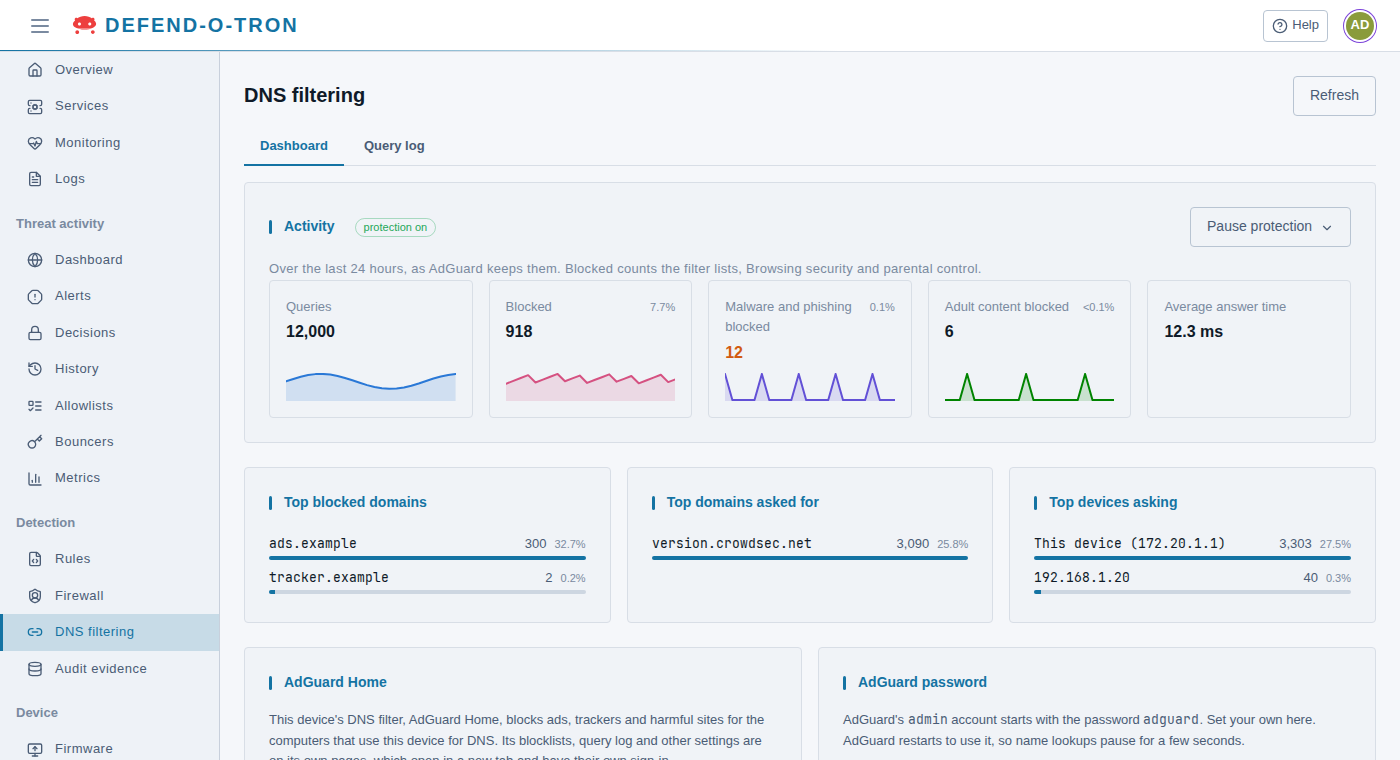
In the menu on the left, under Detection, click DNS filtering.
¶ Step 2: Enter the new password
- In the AdGuard password card, type the new password in New password and again in New password again.
- Click Change password…
¶ Step 3: Confirm with your own password
- Type your own password, the one you signed in to the web interface with.
- Click Change it.
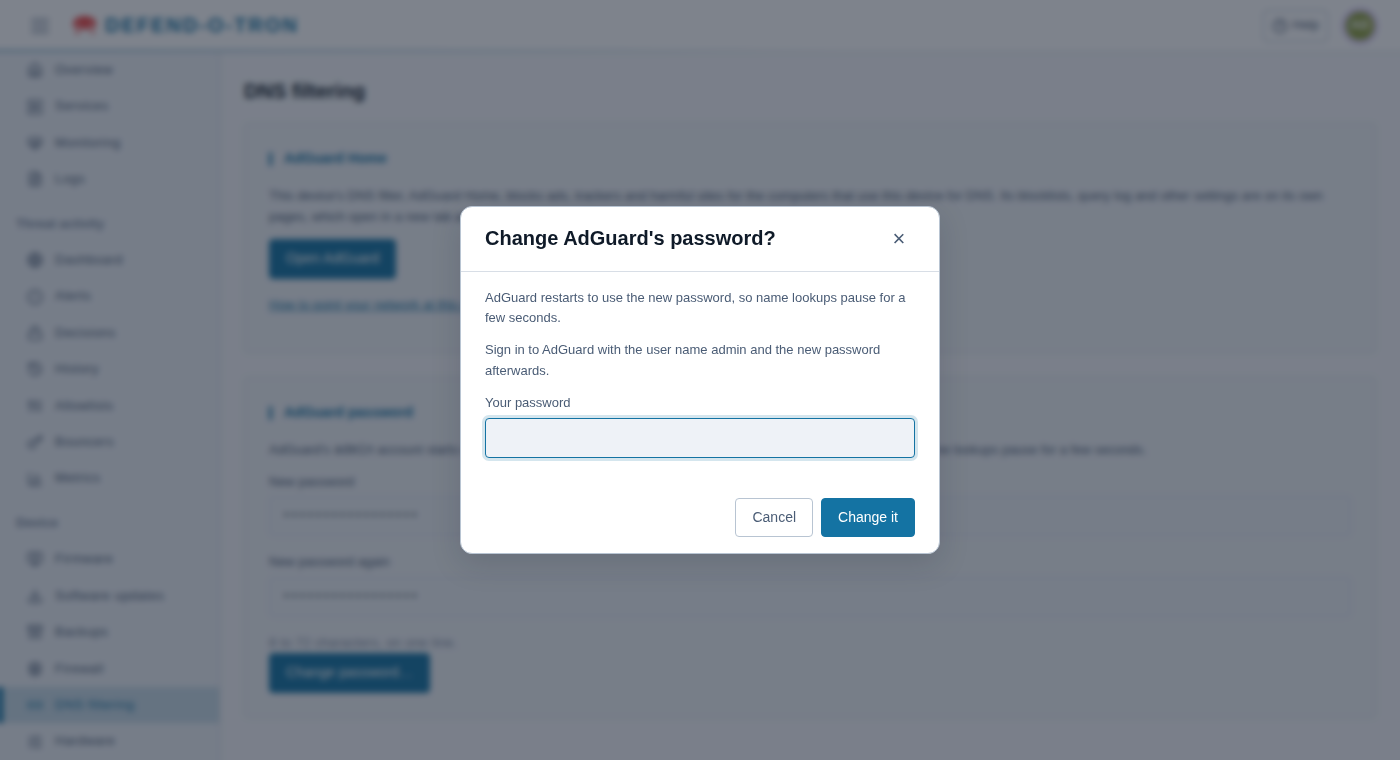
After a few seconds the page says AdGuard’s password is changed.
¶ Step 4: Check that it worked
- Click Open AdGuard. AdGuard’s own pages open in a new tab.
- Sign in with the user name admin and your new password.
If your browser had saved the old AdGuard password, update it there too.
Every change is recorded in the Defend-O-Tron’s audit log: who changed it, and when. The password itself is never recorded.
¶ Related Pages
- DNS Filter: what AdGuard Home does, and its settings.
- Use the Defend-O-Tron for DNS: point your network at the Defend-O-Tron.